
Mappls vs Google Maps: 5 Standout Features of India’s Homegrown Navigation App
In the world of digital navigation, Google Maps has long been the default choice for many users in India and around the globe. However, India‑based mapping provider MapMyIndia has been quietly building its own navigation app—Mappls—with features tailored specifically to the Indian context. With rising interest in local alternatives, Mappls is gaining attention for delivering features that address Indian road realities, addresses, tolls, hazards and more. Let’s explore five features where Mappls holds its own (or even takes the lead) compared with Google Maps.
1. Mappls Pin (Digital Addressing)

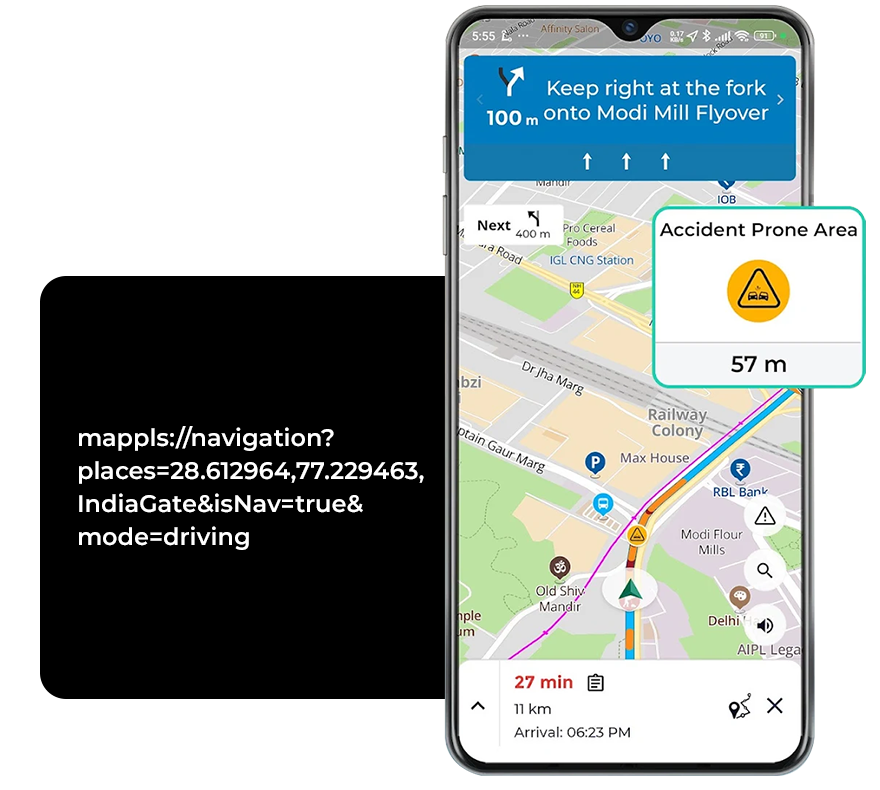
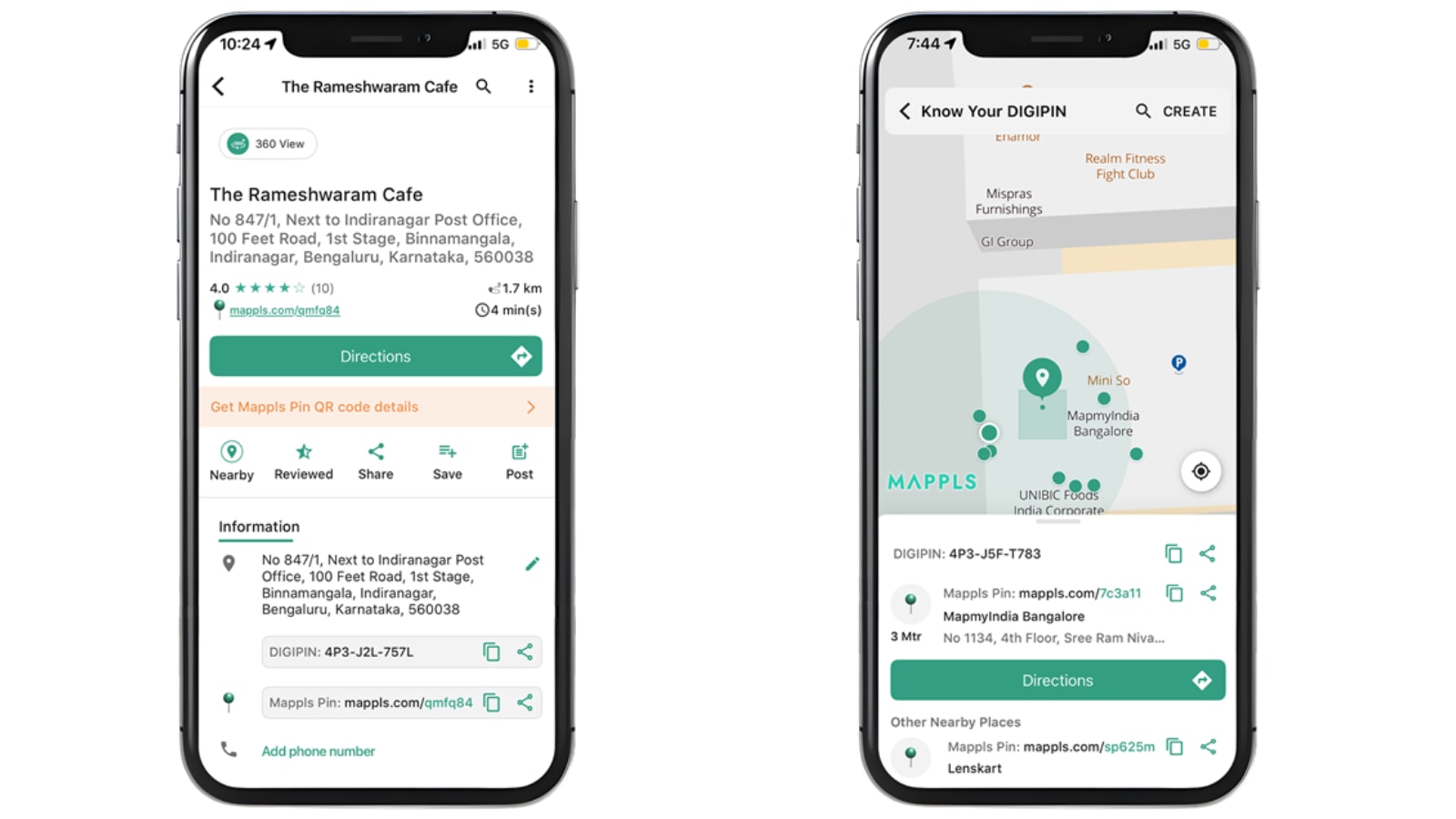
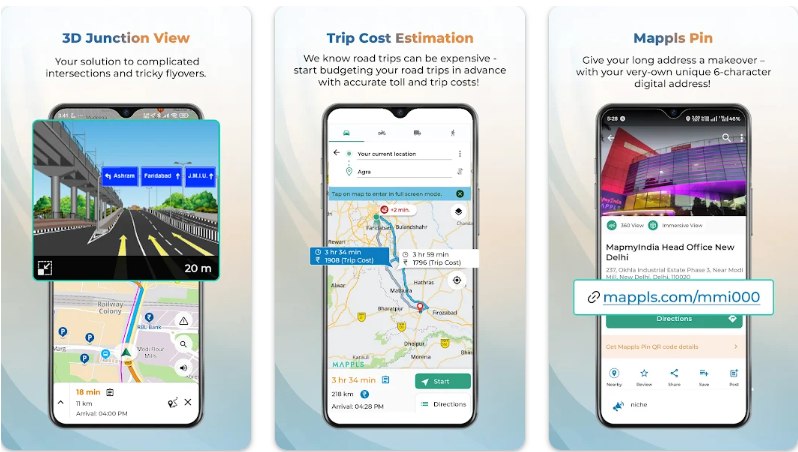

One of Mappls’s most striking features is the Mappls Pin, a six‑character alphanumeric code that represents a precise location on the map. According to reports:
-
This system is designed to tackle the problem of poorly structured or incomplete addresses in India—especially in dense urban colonies or rural regions where house numbering and signage may be inconsistent. (The Financial Express)
-
It integrates with India’s “DigiPIN” / address‑grid initiatives, enabling door‑level accuracy for sharing and navigation. (The Financial Express)
-
The benefit: instead of relying on vague “next to the blue gate” style directions, users can drop or share a Mappls Pin to ensure the exact point. That makes it especially useful for deliveries, emergency services, or lesser‑known locations.
In contrast, while Google Maps has similar features (e.g., Plus Codes) in certain markets, Mappls is positioning the Mappls Pin as a feature built specifically with Indian address‑challenges in mind. (India Today)
Why it matters: Accurate, concise addressing reduces “lost in translation” scenarios on Indian roads, especially in smaller towns or colonies. For bloggers and users, this addresses a pain point that global apps may not focus on.
2. Toll & Trip Cost Estimation (Fuel + Toll)
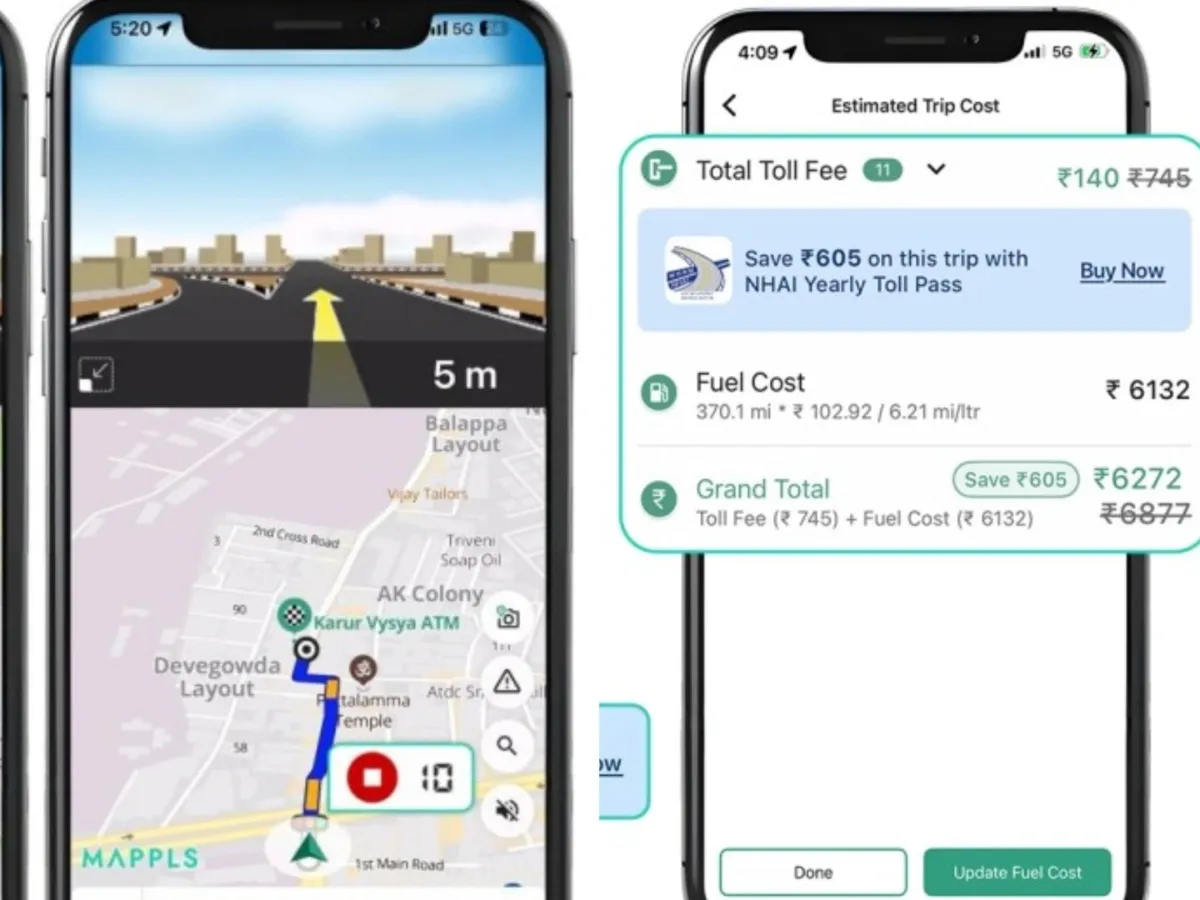
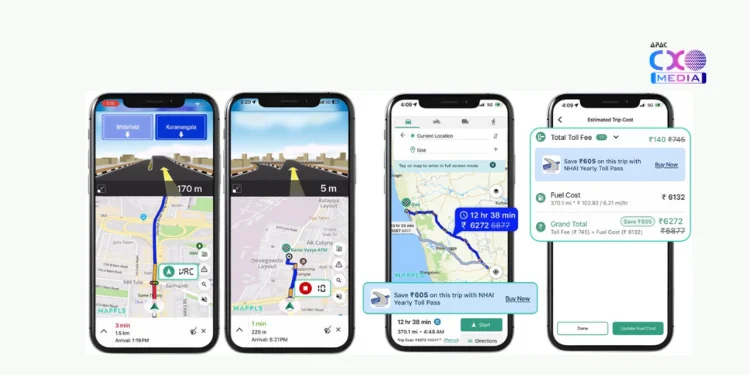


Driving in India often doesn’t just mean “fastest route” but also “cheapest / most efficient route,” given toll booths, fuel variation, etc. Mappls therefore brings in a feature set designed for that:
-
The app includes a built‑in toll calculator allowing users to estimate toll charges along a route. (mint)
-
It also supports fuel‑cost estimation, helping users compare alternative routes not only by distance/time but by cost. (The Financial Express)
-
For example, if you’re planning a long inter‑state drive, you can check which route will cost less in tolls and fuel before starting. This is a more India‑centric addition.
Google Maps primarily optimises for time/distance, with some cost/fuel info depending on region—but the combined toll + fuel + route‑cost calculator appears stronger in Mappls (for now) in the Indian context.
Why it matters: For many Indian drivers (commercial, long‑distance, even daily commuters), cost is as important as time. A feature that surfaces toll/fuel up front helps in planning and decision‑making.
3. 3D Junction and Flyover Views


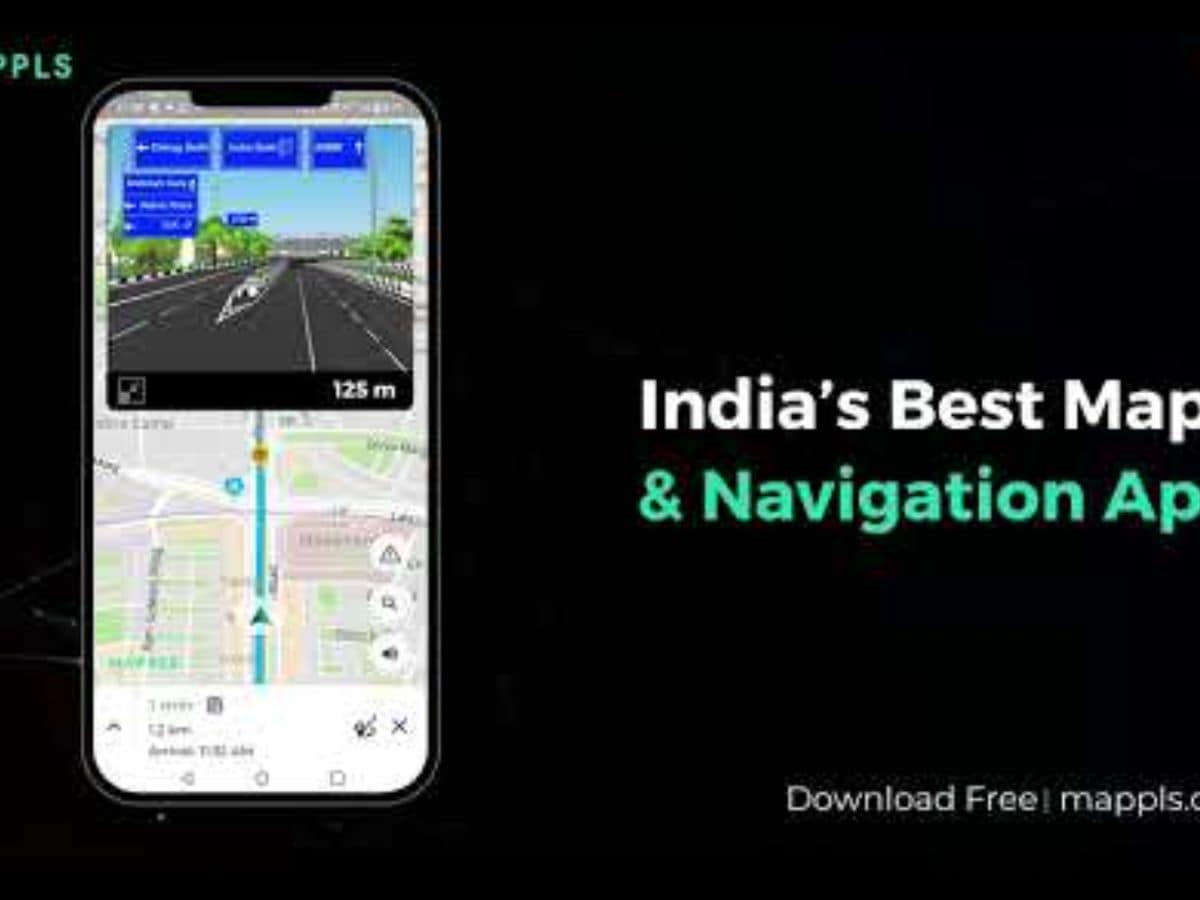


Indian roads often include complex flyovers, underpasses, multi‑level junctions, and service roads—making navigation in 2D tricky. Mappls addresses this with a more visual approach:
-
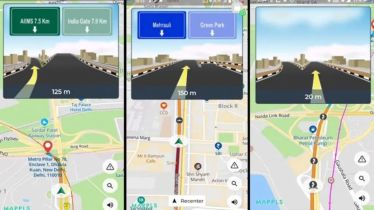
It offers photo‑realistic 3D views of junctions, flyovers and under‑passes, showing clearly marked lanes, exits, entry points. (mint)
-
This helps reduce confusion at multi‑layered intersections—something which Google Maps (despite its improvements) still struggles with in some Indian cities. (Reddit)
-
Mappls also builds in “RealVerse” technology and supports indoor / landmark‑based navigation in some cases. (The Hans India)
Why it matters: For drivers navigating unfamiliar cities (Delhi, Mumbai, Bengaluru) or complex interchange zones, clearer visual cues reduce last‑minute lane changes or wrong turns. This enhances safety and driver confidence.
4. Live Traffic‑Signal Timers & India‑Specific Hazards
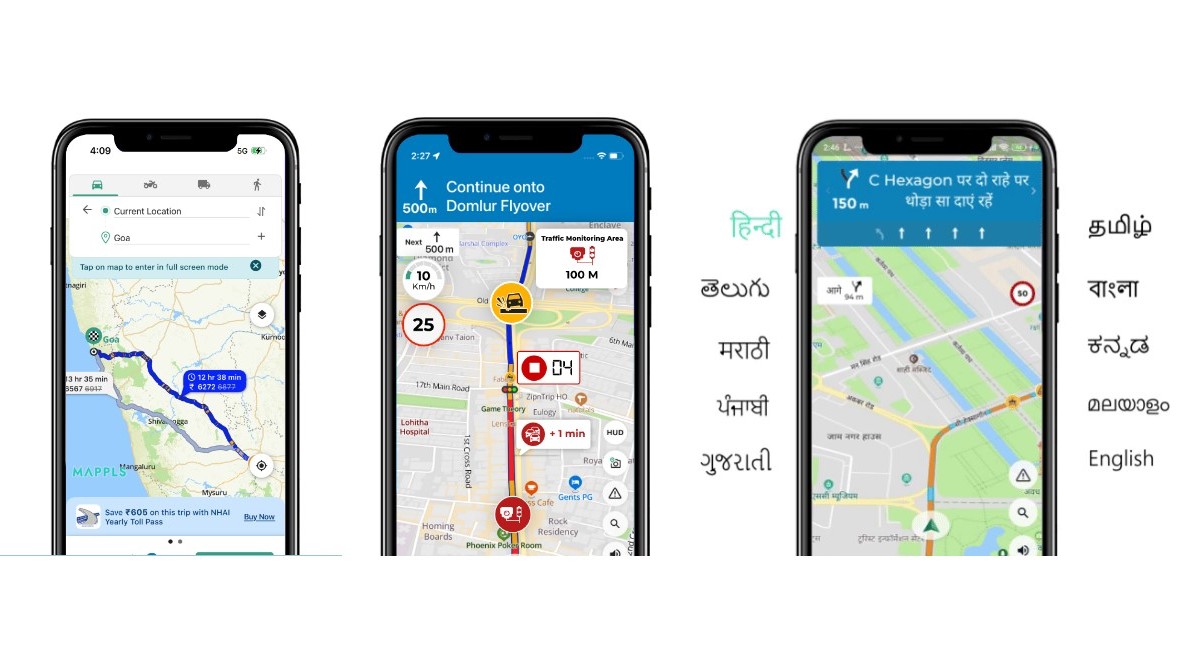


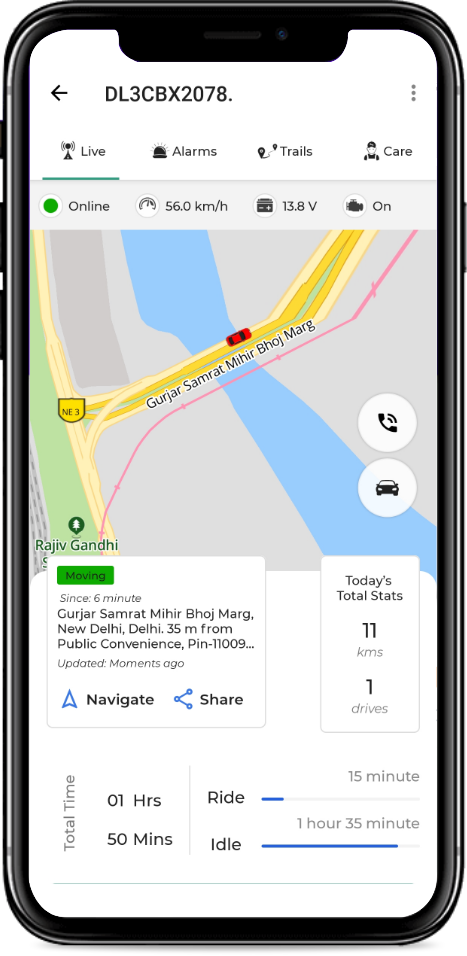

Mappls brings in features that reflect Indian driving conditions and infrastructure realities:
-
In Bengaluru, Mappls in collaboration with the traffic police displays real‑time traffic‑signal countdowns (red/green timers) at selected junctions. (mint)
-
Mappls also issues alerts for India‑specific hazards: speed breakers, potholes, sharp curves, speed/surveillance cameras and other road‑conditions. (The Financial Express)
-
These alerts and integrations are built on MapmyIndia’s long‑standing ground‑mapping and data collection in India. (mint)
Google Maps does offer traffic‑congestion and general hazard warnings (accidents, construction) in many places, but Mappls claims to go deeper into hyper‑local Indian road‑hazards and signal‑timers—features less common in global apps.
Why it matters: For daily urban commuters and longer‑haul drivers in India’s varied road‑network, awareness of hazards and signal behaviour offers both safety and efficiency advantages.
5. Indian Localisation, Privacy & Data Infrastructure


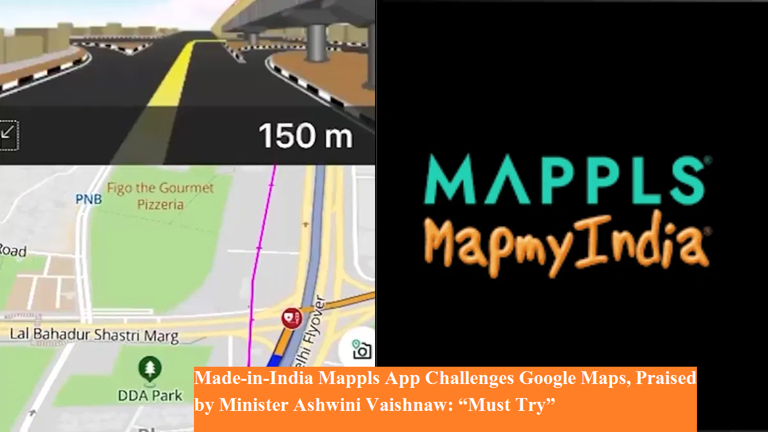
A subtler but equally important dimension: Mappls is built with India‑first sensibilities:
-
The mapping data is created by an Indian company (MapMyIndia) that has been working since 1995, mapping urban, semi‑urban and rural India with depth. (India Today)
-
The app supports multiple Indian languages (Hindi, Tamil, Telugu, Marathi, Bengali etc) making it more accessible for non‑English users. (Moneycontrol)
-
Mappls emphasises privacy and data localisation: it claims to store user / mapping data in India, ask minimal permissions, and be compliant with local regulations. (Mappls)
In contrast, while Google Maps is very capable globally, its priorities may be broader and not as deeply tailored for Indian‑specific contexts or languages. For users concerned about data sovereignty or local customisation, Mappls presents a compelling alternative.
Why it matters: Localisation and privacy matter—especially in regions where languages, address systems and road‑conditions differ significantly from Western markets. A home‑grown solution may resonate better with Indian users.
So, Which One Should You Use?
While Mappls brings strong India‑tailored features, it doesn’t necessarily mean Google Maps becomes obsolete. Here are some practical thoughts:
-
If you are driving in unfamiliar Indian cities, navigating complex junctions or planning long inter‑state trips with tolls and fuel costs, Mappls offers clear advantages.
-
If you rely on very broad global coverage, transit directions (metros/buses/train interchanges), crowdsourced places & business reviews (which Google excels in), then Google Maps may still be preferable.
-
For language diversity, local address issues and Indian‑specific hazards, Mappls may feel more comfortable.
-
It’s worth having both apps on your phone: use Mappls for India‑centric driving/navigation specialities, and fallback to Google when needed for global or multi‑modal travel.
-
Check the local data‑update/coverage of Mappls in your particular city/town—some features (e.g., live signal timers) may be region‑specific or rolling out gradually.
Final Thoughts
In an era of apps and services driven by global giants, Mappls stands out as an example of a solution built “for India, by India”. With features such as Mappls Pin, toll/fuel cost calculations, 3D junction views, live signal timers, Indian hazard alerts and strong localisation, it offers compelling reasons to give it a try—especially if you drive in India often.
For bloggers, tech‑enthusiasts and everyday users alike, Mappls marks a meaningful step: navigation that understands Indian roads, Indian addresses, Indian hazards. Whether you switch fully or keep it alongside Google Maps, it’s worth exploring.
If you like, I can pull together a comparison table (Mappls vs Google Maps) with features, pros/cons and sample user scenarios. Would you like that for your blog?


0 Comments